Celebrity Voice Changer: Make Voiceovers and Use Live Voices
Anna
·2026年2月26日
A voice changer can mean two different things: creating an audio file from a script, or changing your microphone while you speak. Start by choosing the output you need. This guide explains both routes in Voices AI and how to test a short recording before committing to a longer project.
Choose between a voiceover and live voice changing
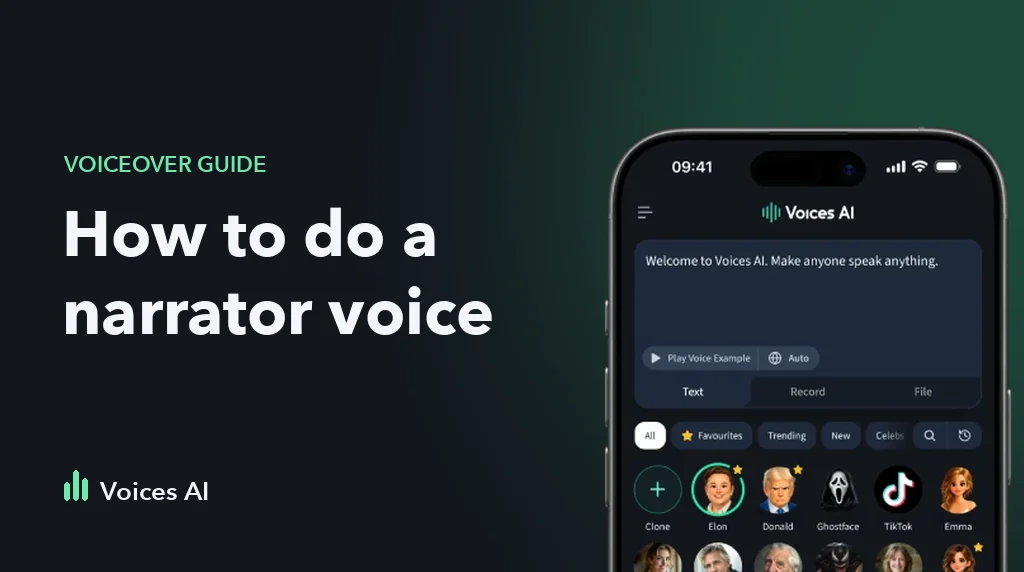
For a TikTok, narrated video, birthday greeting, or fictional scene, use text to speech. You write a script, choose a voice, generate a recording, and bring the audio into your editing workflow.
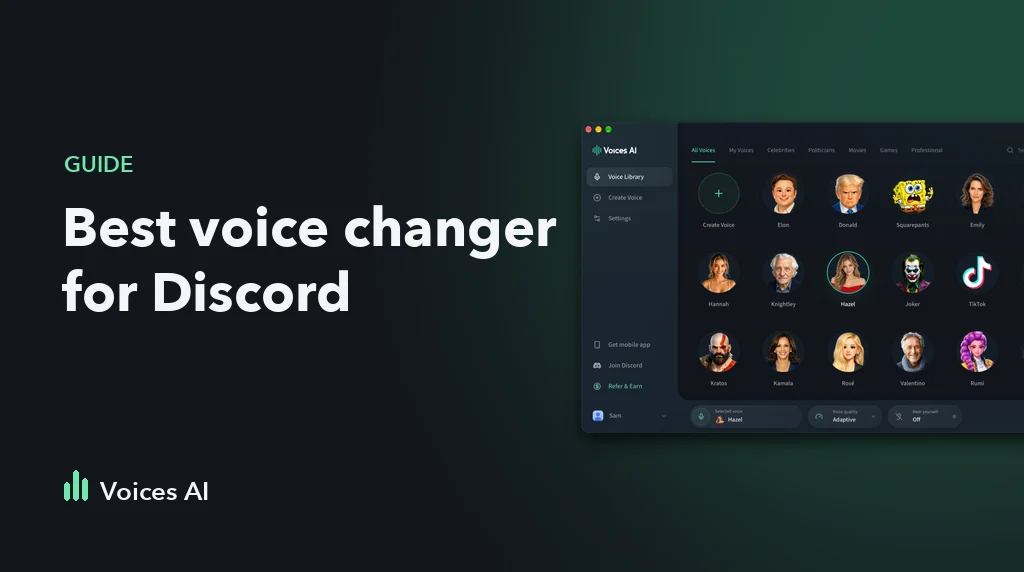
For conversations, games, or streaming with a changed microphone voice, explore Voices AI Live on desktop. A voice available for a recorded voiceover is not necessarily available in the live app. Check the relevant product before downloading it.
Make a voiceover from your script
- Open a voice page in the voice library. Play its sample to decide whether to try it.
- Replace the text with a short draft. The sample recording will not change when you edit: generating your own text happens in Studio.
- Continue to Studio. The voice-page action carries your selected voice and draft into the text-to-speech workflow. Sign in if requested.
- Review the voice, model, language option, and displayed credit cost before generating.
- Listen to the result. Check names, numbers, pauses, and the ending before creating a longer recording.
- Save your completed audio and add it to your video editor. Preview it alongside the video before publishing.
Start with a sentence or two. If a name is pronounced incorrectly, try a phonetic spelling in a separate test. If delivery feels rushed, try shorter sentences and punctuation. Results vary by voice, language, and model; evaluate the actual output rather than assuming every voice behaves the same way.
Three scripts you can adapt
These are script ideas, not audio recordings or claims about a particular voice's performance.
Video introduction
Here are three things I wish I knew before starting this project. The last one would have saved me a lot of time.
Birthday message
Happy birthday, Alex! Here is to a day full of good food, good company, and absolutely no work emails.
Halloween scene
The lights went out just before midnight. When they came back on, there was one more chair at the table.
Try the TikTok voice for a short social-video draft, Ghostface for a horror-themed fictional scene, or the professional voice collection for narration. Listen before choosing; these are starting points, not guarantees of suitability.
Find Adam/TikTok in the library
People often search for Adam's TikTok voice. In the Voices AI library, the entry is named TikTok. Its canonical page is the TikTok voice page.
For Vietnamese instructions and sample scripts, visit giọng Adam TikTok. For Spanish-language text-to-speech information, visit texto a voz con IA.
Use a live microphone voice on desktop
Open the live voice changer and choose the download for your operating system. Follow the current setup instructions for your microphone and target application. Test with headphones and a short recording before joining a call or going live.
Check whether your selected voice exists in the live catalog. Downloading the desktop app does not turn a previously generated audio file into a live microphone voice.
Before sharing your recording
Make the synthetic nature clear when it could otherwise mislead listeners. Access to a voice does not imply endorsement by the person or character it resembles, or grant every commercial use. Check the current terms and permissions relevant to your project.
Common questions
Is the sample the same as my generated recording?
No. The voice-page sample is prerecorded. It helps you decide what to try; your own script is generated separately in Studio or the app.
Does playing a sample use generation credits?
Playing the existing website sample does not submit a generation request. Review the displayed credit cost when you create a new recording in Studio.
Why does my chosen voice sound different with another script?
The wording, punctuation, selected model, and language can affect the result. Test a short passage from the script you actually intend to use.
Can I use every voice on every platform?
Availability and credit requirements can vary across the website, mobile apps, and live desktop product. Check the destination product before starting a project.
For a complete fictional-scene workflow, read the Ghostface Halloween voiceover guide. For narrated short videos, follow the Adam/TikTok voiceover guide.
著者について
Anna