Your brand name, sung
Write a few short lines with your brand name and slogan in Custom Mode, and the music model sings them.

AI jingle generator
Voices AI works as an AI jingle generator on iPhone and Android. Write a few short lines with your brand name and slogan, pick a style, and get a sung jingle, or switch on Instrumental for a music sting without vocals. Use it for a podcast intro, a radio-style spot, a store announcement, or your brand's videos.
Try it free in your browser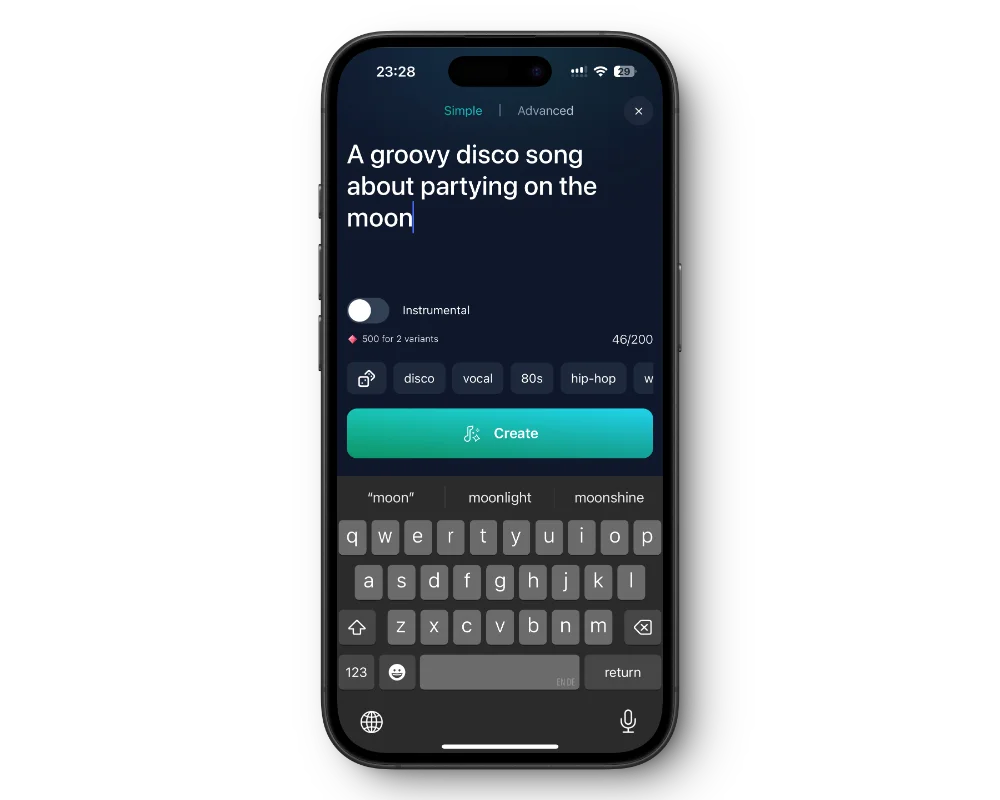
Write a few short lines with your brand name and slogan in Custom Mode, and the music model sings them.
Turn on Instrumental for a music bed or a sting without vocals.
Radio pop, sixties retro, acoustic, rock, hip hop, or a playful kids' style. Type it in the style box.
Paid plans include commercial use while your subscription is active.
Get the free app on the App Store or Google Play.
Go to Songs and switch to Custom Mode.
Add short lyrics with your brand name and slogan, a style, and the vocals. Or turn on Instrumental.
Download the track and cut the part you want in your audio or video editor.
A jingle is a slogan with a melody. Keep it to a few short lines, put the brand name where it lands on a strong beat, at the start or end of a line, and repeat it at least twice. For example: "Sunny Side Cafe, start your day the sunny way".
Write out anything that has to be sung exactly: "two for one" instead of "2 for 1", and "dot com" instead of ".com". If the brand name has an unusual spelling, spell it the way it is said.
For a podcast intro, an instrumental sting under your spoken welcome often works better than a sung jingle. For a radio-style ID, one sung line with the show name, followed by a voice, sounds closest to the real thing.
The app creates a full track, so listen through it, pick the strongest few seconds, and trim them in your editor. Make a few versions in different styles and keep the one that sticks in your head.
Many jingles end with a voice saying the name or the offer. Make that line with text to speech in the same app, in an announcer voice like Arena Announcer or Newscaster, or in your own cloned voice, and place it after the music in your editor.
In a shop, use the jingle as a short intro before a spoken announcement, and keep the music quiet underneath the voice. For on-hold music, download an instrumental and upload it to your phone system yourself; check which audio format your provider accepts.
Paid plans include commercial use while your subscription is active; without one, songs are for personal, non-commercial use. Songs are public by default, so if the jingle is for an unannounced launch, a subscriber can set it to private to keep it out of explore and search.
Voices AI is free to download. Creating jingles uses the credits or subscription in your account; the app shows current plans.
Paid plans include commercial use while your subscription is active. Without a subscription, songs are for personal, non-commercial use.
Keep the lyrics to a few lines, then download the track and trim the part you want in your audio or video editor.
Yes. Turn on Instrumental for a music sting or bed, then add a spoken line with text to speech if you want one.
No. Songs are sung by the music model. Celebrity voices in Voices AI are parodies for entertainment and not for advertising.
Yes. The app makes the audio file; download it and upload it to your phone system yourself, and check which format your provider accepts.
Generate Voiceovers & songs with AI
A sung jingle or instrumental sting with your brand name, made on your phone.


