Lyrics from one line
Type a topic, a mood, or a first line and tap Generate Lyrics. The song lyrics generator writes the rest.

AI lyrics generator
Voices AI has an AI lyrics generator built into its song maker for iPhone and Android. Type an idea or a few lines in the lyrics box, tap Generate Lyrics, and get full song lyrics you can edit line by line. When the words feel right, add a style and turn them into a complete song with vocals, or copy the lyrics and record them yourself.
Try it free in your browser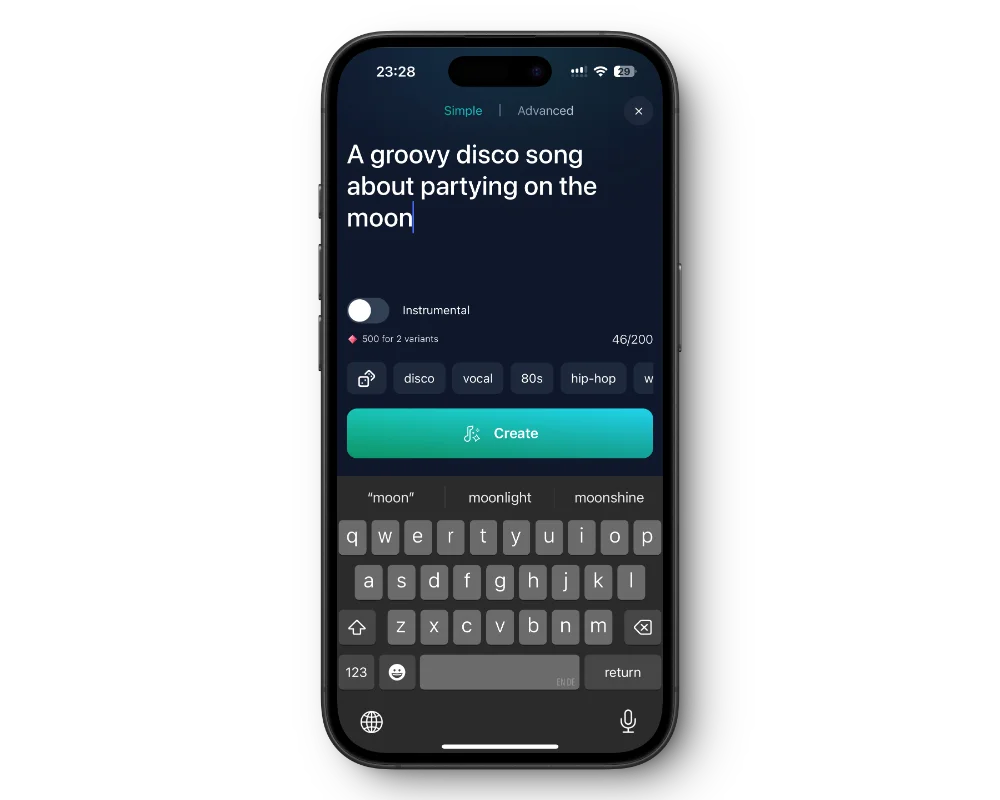
Type a topic, a mood, or a first line and tap Generate Lyrics. The song lyrics generator writes the rest.
The lyrics land in the lyrics box, so you can rewrite a line, swap a rhyme, or cut a verse before you use them.
Add a style like pop, country, or rap, choose Auto, Male, or Female vocals, and create the song from your lyrics.
No topic yet? The idea button in Quick Mode suggests a random song idea you can build on.
Get the free app on the App Store or Google Play.
Go to Songs and switch to Custom Mode.
Type your idea or a few lines in the lyrics box, tap Generate Lyrics, and edit the result.
Add a title and a style, pick the vocals, and tap Create Song. Or copy the lyrics and stop there.
The lyrics generator works from whatever is in the lyrics box. A bare topic like "summer" gives you something generic; a sentence with a situation, a feeling, and a detail gives you something worth singing. Try "driving home after the last shift of a summer job, windows down, a little sad it is over".
If you already have a hook or a first verse, type that instead and let the generator use it as the starting point. If a line you wanted to keep gets changed, paste your version back in before you create the song.
Treat generated lyrics as a first draft. Read them out loud, mark the lines that sound forced, and rewrite only those. Swapping one weak rhyme often fixes a whole verse.
Stuck on a second verse? Paste in the first verse and the chorus, add a note like "second verse, the story moves to winter", and generate again. Keep the lines you like and drop the rest.
For a rap verse, ask for short lines and name the subject, for example "a confident rap verse about finally passing my driving test". For a love song or a birthday song, put the person's name and two or three shared memories in your idea so the lyrics sound written for them.
Have a poem of your own? Paste it into the lyrics box as it is and create the song, or tap Generate Lyrics to reshape it into verses and a chorus first.
Sung lyrics need room to breathe. Keep lines short, repeat the chorus word for word each time it comes back, and label the sections with tags like [Verse], [Chorus], and [Bridge] so the song follows your structure.
Voices AI is free to download. Generating lyrics and songs uses the credits or subscription in your account; the app shows current plans.
This page has no lyrics box of its own. Download the free Voices AI app for iPhone or Android, open Songs, and use Generate Lyrics in Custom Mode.
Yes. The lyrics appear in the lyrics box, where you can change any word before you create the song.
Yes. Describe the topic and say it is a rap verse, then set a rap style such as trap or boom bap when you create the song.
Yes. Paste the poem into the lyrics box in Custom Mode, add a style, and create the song. Short lines and a repeated chorus usually sing best.
Paid plans include commercial use while your subscription is active. Without a subscription, use is personal and non-commercial.
Generate Voiceovers & songs with AI
Turn an idea into song lyrics, edit them, and hear them sung in one app.


