Upload a video, get a video
Pick an MP4 or MOV from your phone. The app changes the voice and gives you the video back, ready to post.

Video voice changer
Voices AI is a video voice changer for iPhone and Android. Upload an MP4 or MOV up to 60 minutes, pick a voice, and get the video back with the new voice, your words, and your timing. Re-voice a tutorial in a clean narrator voice, turn a skit into a character scene, or swap your voice before you post.
Try it free in your browser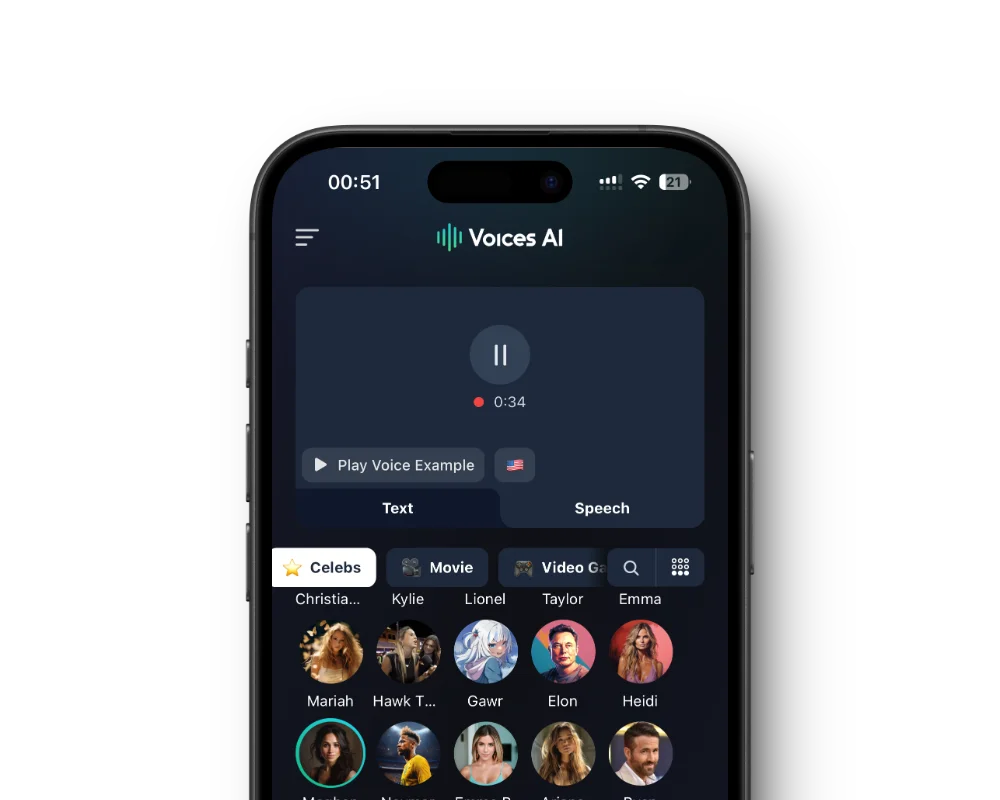
Pick an MP4 or MOV from your phone. The app changes the voice and gives you the video back, ready to post.
The new voice follows your pauses, pacing, and emotion, so it still matches your cuts and captions.
Enhance removes background noise from audio and video files, which gives the voice changer a cleaner voice to work with.
Studio on getvoices.ai changes voices in MP4, MOV, MKV, AVI, and WebM files after a free sign-in.
Get the free app on the App Store or Google Play.
Choose File and pick a video from your library.
Preview a few voices and choose the one you want.
Play the result, then save the video or share it to TikTok, Instagram, or YouTube.
Creators re-voice tutorials and explainers when they don't like how their own voice sounds on camera, or when they want one steady narrator across a channel. Record naturally, then let a voice like Emily or Hazel take over while your delivery stays the same.
For skits, film every role yourself and convert each clip to a different voice. One person with a phone can play a narrator, a villain, and a sidekick in the same video.
The voice changer works best with clear speech and no heavy background music. If your video has music under the speech, change the voice on a version without the music, then add the track back in your editor.
Filmed in a noisy room or on a windy street? Run the video through Enhance first, then change the voice. Converting a clean voice gives a better result than converting the noise along with it.
The voice changer works on one speaker at a time. For an interview or a conversation, cut out the parts you want to change, convert them separately, and put the video back together in your editor.
In the app, the voice changer takes MP4 and MOV videos up to 60 minutes. On a computer, Studio at getvoices.ai/studio also accepts MKV, AVI, and WebM after a free sign-in, which helps when the video comes straight out of a screen recorder or editing software.
If the new voice could pass for a real person, say that the audio is AI-generated when you post, and follow your platform's rules for AI content. Character voices are AI parodies, so never use one to make it look like someone said something they didn't.
Voices AI is free to download on iPhone and Android, and every voice sample is free to play. Changing voices uses the credits or subscription in your account; the app shows current plans.
Open the voice changer in Voices AI, choose File, and pick an MP4 or MOV up to 60 minutes. Choose a voice, and the app gives you the video back with the new voice.
MP4 and MOV in the app. Studio in your browser also takes MKV, AVI, and WebM after a free sign-in.
Yes. The voice changer keeps your words, pauses, and pacing, so the new voice stays in step with your video.
It works best without heavy music. Use a version of the video without the music, change the voice, then add the music back in your editor.
Not in the mobile app, which works on recorded videos. For live streams and recordings in OBS, use Voices AI Live for Windows and Mac.
No. Character voices like Ghostface and Kratos are AI-generated parodies and are not affiliated with or endorsed by their rights holders.
Character voices are AI-generated parodies. They are not affiliated with or endorsed by their rights holders.
Generate Voiceovers & songs with AI
Upload a video, pick a voice, and get it back with the new voice and your original timing.


