Nothing is uploaded
Recording happens in your browser. The audio stays on your device until you download it.

Online voice recorder
Record your voice right here in the browser with this free online voice recorder. Press record, talk, and download the recording as a WAV file. There is no sign-up, and your audio never leaves your device. Want to change how it sounds? The Voices AI app turns any recording into a different voice.
Recording happens in your browser. The audio stays on your device until you download it.
Save a standard WAV file that works in every editor, or keep the browser's original compressed format.
Use it in a recent browser on Windows, Mac, Android, or iPhone. Allow microphone access when your browser asks.
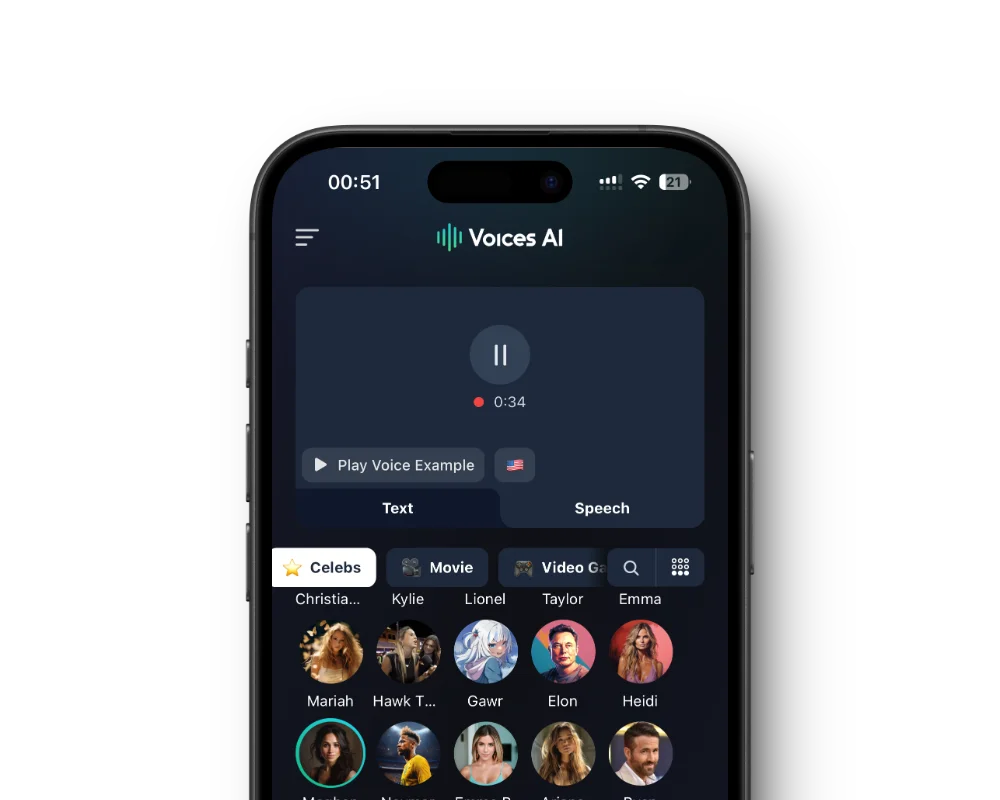
Open the recording in the Voices AI app to convert it into a character, narrator, or celebrity parody voice.
Press Record and let your browser use your microphone.
Speak normally. The timer and level meter show that it is recording.
Press Stop, then play the recording to check it.
Save it as WAV or in the original format.
Record in a small, soft room: carpets, curtains, and a closet full of clothes absorb echo. Keep the microphone about a hand-width from your mouth and speak slightly across it rather than straight into it to avoid pops.
Do a short test first and listen back with headphones. If you hear a hum or traffic, move or switch off the noise source before the real take.
Use it as a voice memo, a voiceover draft, a podcast intro, or a sample for voice cloning. If you need a different voice, the Voices AI app can convert the recording into another voice, and Enhance can remove background noise from it.
If nothing records, check that your browser has permission to use the microphone (the icon in the address bar on a computer, or the site settings on a phone), that the right input is selected in your system sound settings, and that no other app is using the microphone.
Yes. Recording and downloading are free, with no sign-up.
No. The audio is recorded and kept in your browser until you download it or close the page.
WAV, which works everywhere, or the browser's original compressed format: WebM in Chrome, Edge, and Firefox, or M4A in Safari.
There is no fixed limit, but long recordings use more memory in your browser. For hours of audio, use a dedicated recording app.
Yes. Download it, then open it in the voice changer in the Voices AI app to convert it into another voice.
Yes, in Safari on recent versions of iOS. Allow microphone access when you are asked.
Character voices are AI-generated parodies. They are not affiliated with or endorsed by their rights holders.
Generate Voiceovers & songs with AI
Change the voice in your recordings, clean up background noise, and more.


