How to Change Your Voice: Natural Techniques and Voice Changer Apps

Anna
·October 13, 2026
There are three ways to change your voice, and the right one depends on what you need it for:
- Change how you speak, with pitch, resonance, pace, and accent. This takes practice, but it is yours everywhere.
- Change a recording with a voice changer app. Fastest for videos, memes, and voice messages.
- Change your voice live with a real-time voice changer on your computer, for Discord, games, and calls.
This guide covers all three, starting with what you can do with your own voice.
Change your voice naturally
Your voice is shaped by a few things you can control. Small changes in each add up to a very different sound.
Pitch
Pitch is how high or low you speak. Everyone has a comfortable range, and most people use only a small part of it. Try saying the same sentence a little higher, then a little lower, and listen back to a recording. Move in small steps: pushing far outside your range strains your voice and sounds forced.
Resonance
Resonance is where your voice seems to vibrate. A "chest" voice sounds darker and fuller, while a voice focused in the mouth and face sounds brighter and lighter. Put a hand on your chest and say "mmm" low: you should feel the vibration. Then smile slightly and say "eee" higher: the sound moves forward. Resonance often changes how a voice is perceived more than pitch does.
Pace and rhythm
Speaking slower makes you sound calmer and more authoritative. Speaking faster sounds energetic or nervous. Pauses matter too: a short silence before an important word makes people listen.
Intonation
Intonation is the melody of your speech. A voice that moves up and down a lot sounds expressive and friendly. A flatter melody sounds serious or calm. Ending sentences on a falling note sounds confident, while rising endings sound like questions.
Articulation and accent
How clearly you pronounce consonants, and which vowels you use, change your voice a lot. Actors learn accents by listening carefully, copying one sound at a time, and practicing short phrases until they feel natural.
Breath and volume
Supported breathing, from the belly rather than the shoulders, gives your voice steadiness and power. A breathy voice sounds soft and intimate, and a stronger voice sounds clear and present.
How to practice
Record yourself reading the same short paragraph every day. Change one thing at a time, such as pitch or pace, and compare. Warm up with humming and lip trills, drink water, and stop if your throat hurts. If you want to change your everyday voice, a voice coach or a speech-language pathologist can guide you safely.
Change your voice in a recording
If you need a different voice for a video, a meme, or a voice message, a voice changer app is much faster than training.
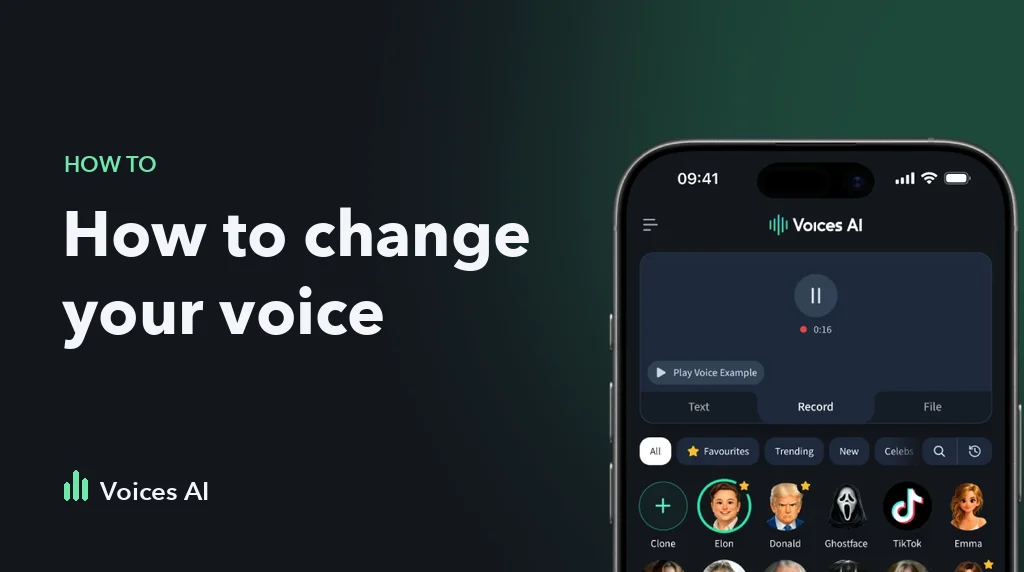
In the Voices AI app for iPhone and Android, you can:
- Tap Record and talk, or upload an audio or video file up to 60 minutes
- Pick a voice: a movie or game character, a celebrity parody, an anime voice, or a narrator
- Get the same words back in the new voice, with your timing and emotion intact
Because it uses AI voice conversion instead of a pitch filter, the result sounds like a different person rather than a sped-up or slowed-down you. For the best result, record in a quiet room with one person talking. If the recording is noisy, clean it up with the audio enhancer first.
Popular choices are a female voice changer or a male voice changer for male-to-female or female-to-male voices, and character voices for skits.
Change your voice live
Phone apps cannot change your voice during a regular phone call. For live voice changing, you need a real-time voice changer on a computer.
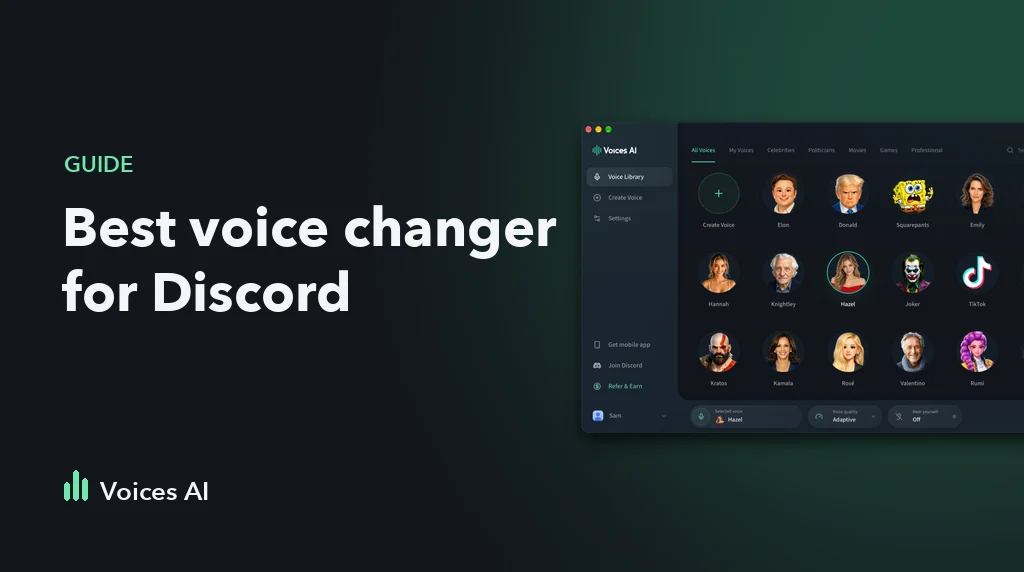
Voices AI Live runs on Windows and Mac. It creates a virtual microphone that you select in Discord, Zoom, OBS, or your game, and it converts your voice in real time while you talk.
Change your voice without speaking
Sometimes you do not need your voice at all. With text to speech, you type a script and an AI voice reads it. That is how most narrator voiceovers for YouTube and TikTok are made.
Which method should you use?
| You want to | Best option |
|---|---|
| Sound different in a TikTok or YouTube video | Voice changer app on your recording |
| Send a prank or character voice message | Voice changer app or text to speech |
| Talk as someone else in Discord or a game | Real-time voice changer on PC or Mac |
| Narrate without recording yourself | Text to speech |
| Change your everyday speaking voice | Practice, ideally with a voice coach |
FAQ
Can you permanently change your voice?
You can change your speaking habits, such as pitch, resonance, and intonation, with regular practice, and those changes can become natural over time. The physical size of your vocal folds does not change through exercise alone. For bigger changes, talk to a speech-language pathologist.
What is the best app to change your voice?
For recordings and videos on your phone, a voice changer app like Voices AI is the quickest option. For live voice changing in Discord, games, and calls on a computer, use a real-time voice changer like Voices AI Live.
Can I change my voice on a phone call?
Not on a regular phone call. iPhone and Android do not let apps change your voice during normal calls. You can send a voice message with a changed voice, or use a real-time voice changer on a computer for calls in apps like Discord, Zoom, or WhatsApp Desktop.
Does a voice changer sound real?
AI voice changers sound far more natural than classic pitch filters because they replace the voice instead of distorting it. The result depends on your recording: clear speech in a quiet room gives the best output.
Is it legal to change your voice?
Changing your voice is legal in most places. What matters is how you use it.
About the Author
Anna