Their name in the chorus
Write your own lyrics with their name, or describe them and let AI write a Christmas song about them.

Christmas song generator
Voices AI has an AI Christmas song generator for iPhone and Android. Describe who the song is for, add their name and a few family details, pick a style, and get a complete Christmas song with vocals in seconds. Play it at the Christmas party, add it to a video card, or send it to the family chat.
Try it free in your browser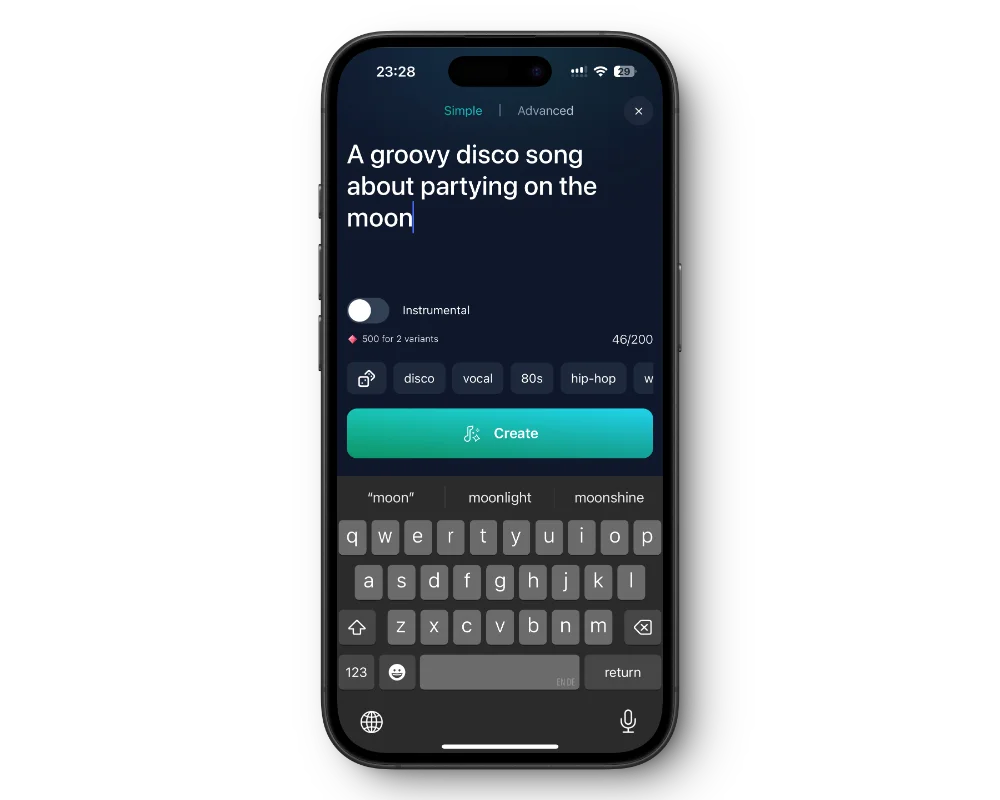
Write your own lyrics with their name, or describe them and let AI write a Christmas song about them.
A classic carol, a jingle-bell pop song, a cozy acoustic ballad, a Christmas rap, or a rock anthem. Type the style you want.
Pick a male or female vocal, or make an instrumental to sing along to.
Download the song or share a link, and keep it private until Christmas morning.
Get the free app on the App Store or Google Play.
Create a new song.
Describe the song in Quick Mode, or switch to Custom Mode to write the lyrics and pick a style.
Play it, then download it or share the link.
The best Christmas songs are personal. Include a name, something that happened this year, a family tradition, and a wish for the new year. A verse about the dog stealing the turkey or grandpa's famous Christmas sweater gets more laughs than a generic carol.
For a quick result, describe it in one line, for example: "a cheerful Christmas pop song for Emma, who is 6, loves snow, and wants a puppy". For full control, write the verses yourself in Custom Mode, or let AI write the lyrics and edit them.
Try a song from the whole family to grandma, an anthem for the office Christmas party, a lullaby for a baby's first Christmas, a love song about your first Christmas together, or a Christmas rap about who ate all the cookies. Funny styles work well for friends and coworkers; warm acoustic songs suit parents and grandparents.
Set the song to private so it does not appear in the public song feed, then reveal it on the day. Play it while the presents are opened, add it to a slideshow of the year's photos, or send it as the first message on Christmas morning.
Songs are sung by the music model, not by Santa. To add Santa to the surprise, make a short voice message in Santa's voice with text to speech in the same app, or let the kids talk to AI Santa in Chats.
Songs are sung by the music model. For a message in Santa's voice, use text to speech with one of these Christmas voices. Tap a voice to hear it.
Yes. Put the name in your description or your own lyrics, and the song generator sings it. Listen back to check the pronunciation, and spell the name the way it sounds if needed.
Voices AI is free to download. Creating songs uses the credits or subscription in your account; the app shows current plans.
Yes. Use Custom Mode to add your own lyrics, title, and style, or tap Generate Lyrics and let AI write them for you.
No. Songs are sung by the music model with a male or female vocal. For Santa's voice, send a voice message with text to speech instead.
Yes. Download the song and add it to a video, a photo slideshow, or a digital Christmas card in your usual editor.
Yes. You can download it or share a link.
Character voices are AI-generated parodies. They are not affiliated with or endorsed by their rights holders.
Generate Voiceovers & songs with AI
A personal Christmas song with their name, in any style, ready in seconds.


