Male to female voice conversion
Record in your normal voice and get it back in a female voice, with your words, pauses, and emotion intact.

Female voice changer
Voices AI is a female voice changer app for iPhone and Android. Record yourself or upload a video, pick a female voice, and get your words back in a natural woman's voice. It is AI voice conversion, not a pitch filter, so the result sounds like a real person instead of a chipmunk.
Try it free in your browser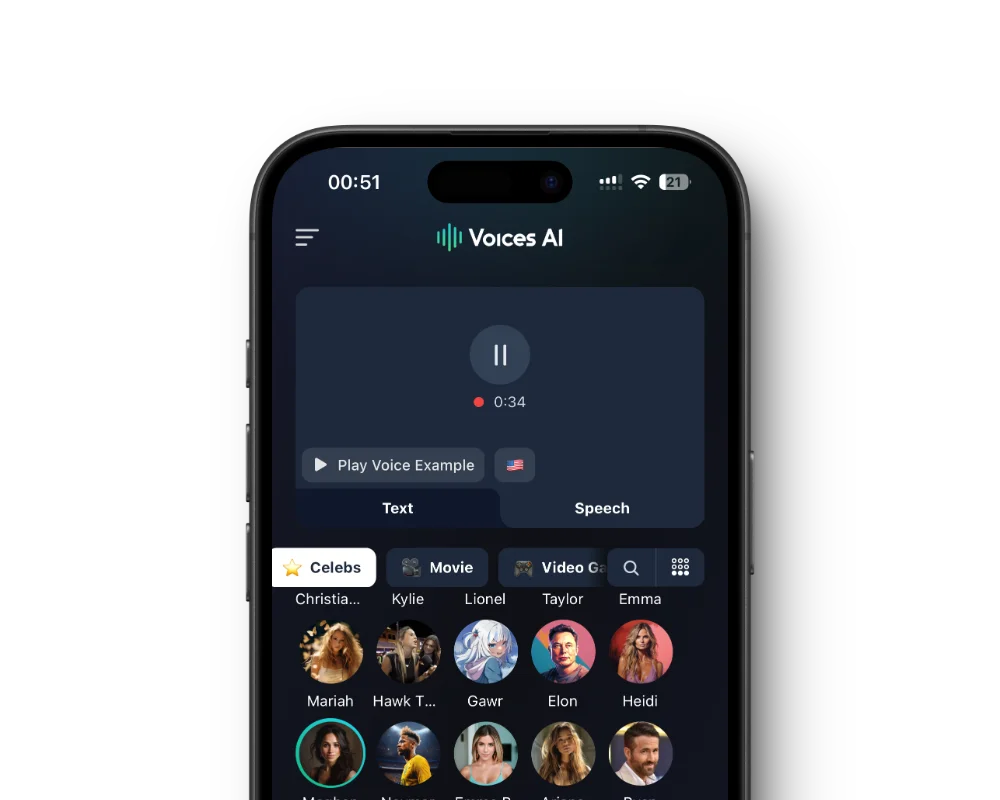
Record in your normal voice and get it back in a female voice, with your words, pauses, and emotion intact.
Upload a video or audio file up to 60 minutes and the voice changes across the whole thing.
Classic voice filters raise the pitch, which sounds cartoonish. AI conversion replaces the voice, so it sounds like a real woman talking.
Prefer typing? Make any female voice read your script for videos, voiceovers, and voice messages.
Install the free app from the App Store or Google Play.
Choose Record, or File to upload audio or a video.
Play the samples and choose the voice that fits.
Listen back, then save the result or share it.
A female voice filter usually just raises your pitch. Your resonance, breath, and vocal texture stay the same, so the result sounds like a sped-up recording. Voices AI converts your speech into the target voice with a neural model, so the whole voice changes, not just the pitch.
Your delivery still comes through. Speak naturally at your normal pitch. You do not need to fake a higher voice, and forcing it usually makes the result worse.
Record in a quiet room, keep the phone a hand-width from your mouth, and have one person speaking at a time. Speak a little more expressively than usual, because flat delivery sounds flat in any voice.
Try two or three voices on the same recording. Each voice suits different content, so compare them before you post.
Creators voice female characters in skits and animations, gamers make clips for a female character, and writers hear how a script sounds in a different voice. Some people simply want to keep their own voice private in videos.
Do not use a different voice to deceive someone about who you are, for example to catfish, scam, or harass. Label AI voices wherever your platform asks you to.
Voices AI is free to download on iPhone and Android, and you can play every female voice sample first. Converting recordings uses the credits or subscription in your account; the app shows current plans.
Yes. Record in your normal voice, pick a female voice, and the app converts it. You do not need to speak in a higher voice.
Yes. Upload a video or audio file up to 60 minutes. Clear speech from one person gives the best result.
No. The app converts recordings and videos, not live phone calls. For real-time voice changing on a computer, use Voices AI Live for Windows and Mac.
Yes. The app also has male voices like Marcus, Matthew, and Aaron for female to male voice changing.
Generate Voiceovers & songs with AI
Turn your recordings and videos into a natural female voice, or make a female voice read your script.


